What I care about is helping people bring technology into their lives well — where it's genuinely needed, and where it can do the most good. Not tech for its own sake, not change to look modern. Sometimes that means AI; just as often it means something far simpler.The tech world is accelerating. This is my attempt to slow things down a little: to pick apart the hype and look for the reality and the truth in the messages — primarily around AI, and how it impacts us all.
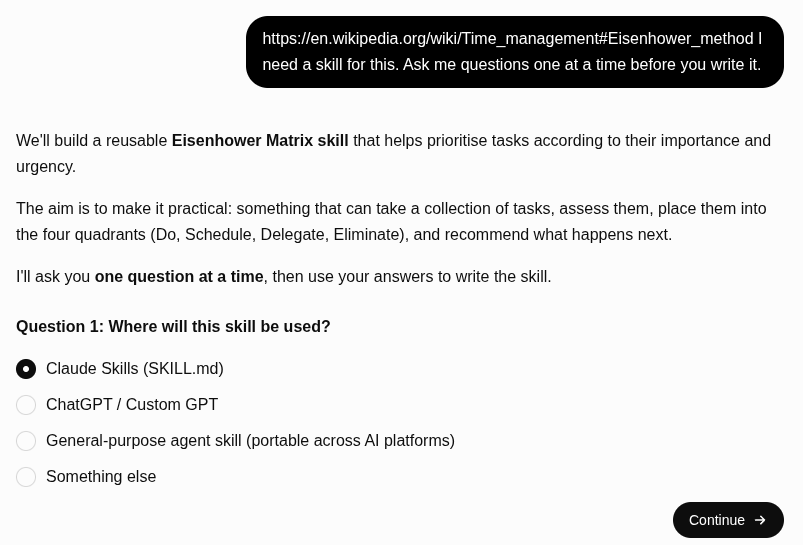
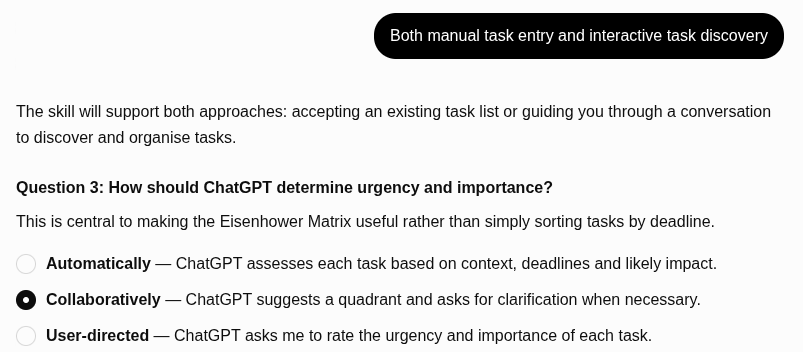
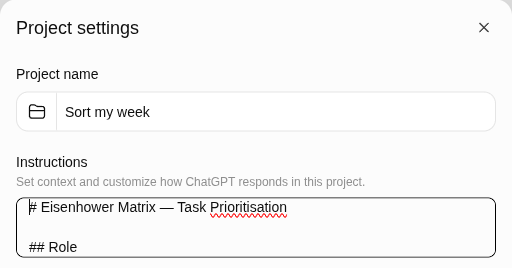
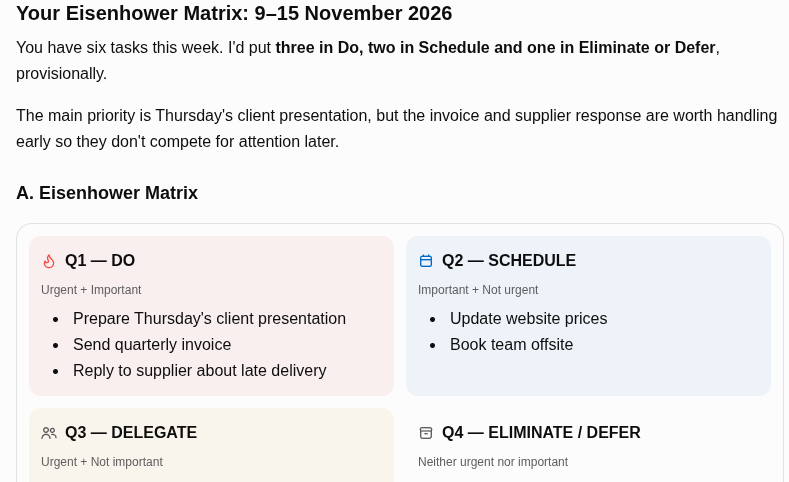
SoN 2.42: Turn frameworks like the Eisenhower matrix into an AI skill
|


Jim Christian - Signal Over Noise
What I care about is helping people bring technology into their lives well — where it's genuinely needed, and where it can do the most good. Not tech for its own sake, not change to look modern. Sometimes that means AI; just as often it means something far simpler.The tech world is accelerating. This is my attempt to slow things down a little: to pick apart the hype and look for the reality and the truth in the messages — primarily around AI, and how it impacts us all.
VOL 2, ISSUE 43 · NOVEMBER 2026 One of my favourite ways of working with AI is to set Claude or ChatGPT a task, or a series of them, before I go and do other jobs around the house. But often when I come back to it, it's waiting on me with a list of questions about details I don't remember discussing. I've spent the last hour on something else, and now it wants answers. I've often typed back something close to this: "These are too many questions. I'm a human. I can't deal with this much...
VOL 2, ISSUE 41 · NOVEMBER 2026 Part of my daily routine has changed in the last week, in that I'm talking more with Claude in voice mode on my school runs in the mornings. It beats the repetition of listening to the radio station, and it gives me more space to ramble and go down the odd rabbit hole as I question the morning headlines and look for topics of interest. When I get on to something I like and want to follow up on, I ask Claude to make sure that it's saved as a Google Doc that I...
VOL 2, ISSUE 40 · OCTOBER 2026 In the last week I've been doing more hands-on training with teams of software engineers and marketers alike. No matter what your career or your skill level with AI, a lot of the core principles are the same, and many of them come back to breaking a job down before you hand it to AI. In this week's issue: use the biggest model to plan the job and smaller ones to do the work; a guide to how language models predict the next word, using a birthday song and a...